Read and find text
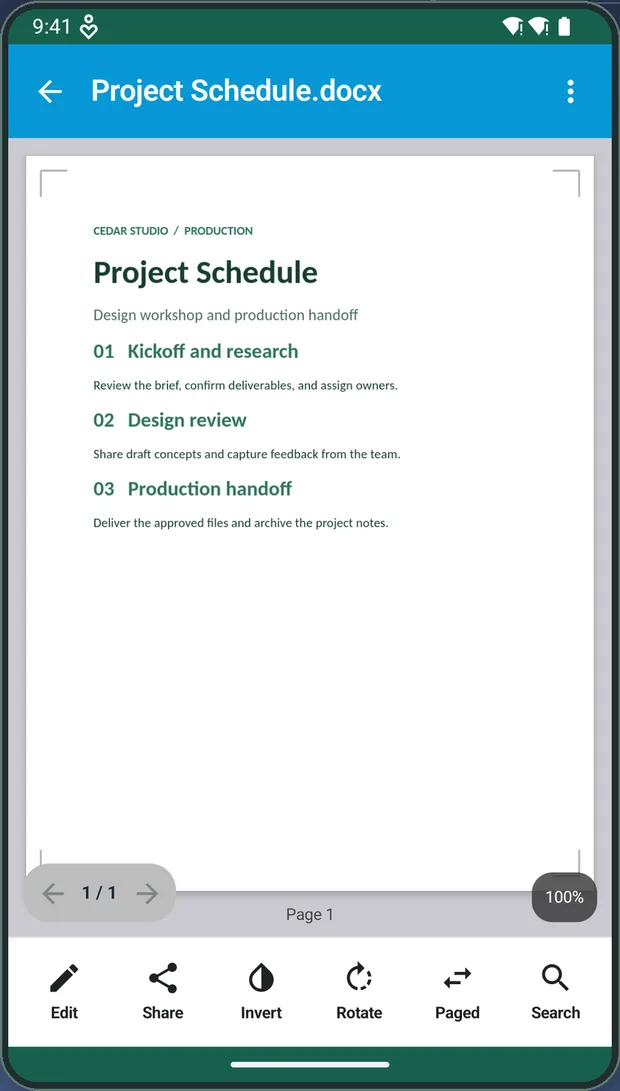
Search a PDF for a keyword, zoom in on details, or jump to a page in a long report.
 Pageverra PDF Editor & Viewer
Read, sign, merge and create PDFs on Android. Open Word, Excel and PowerPoint files from the same document library.
Android 8.0 and up
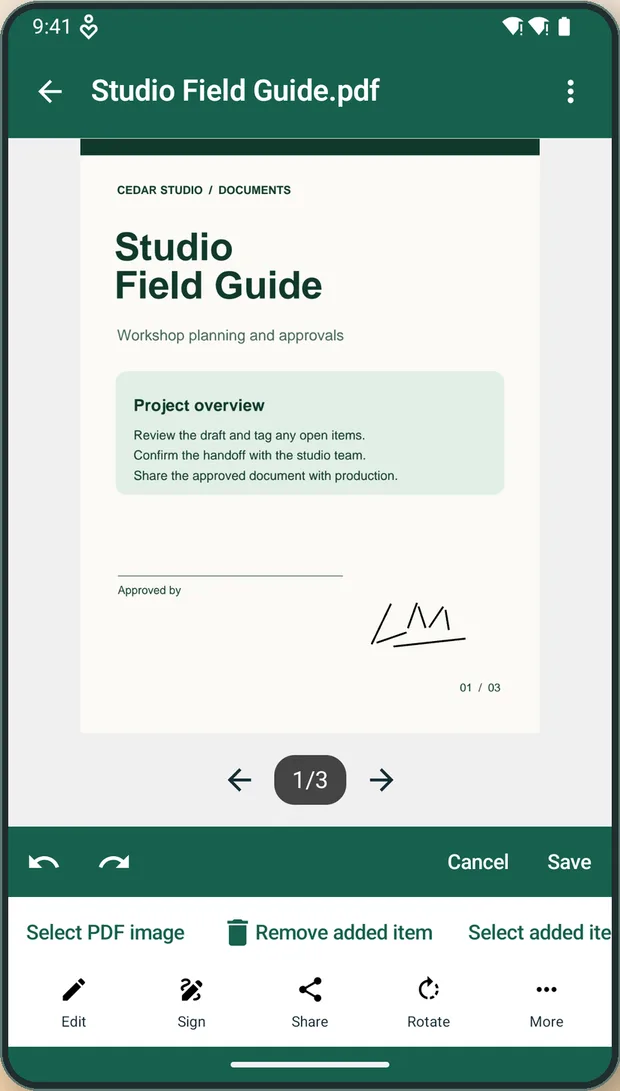
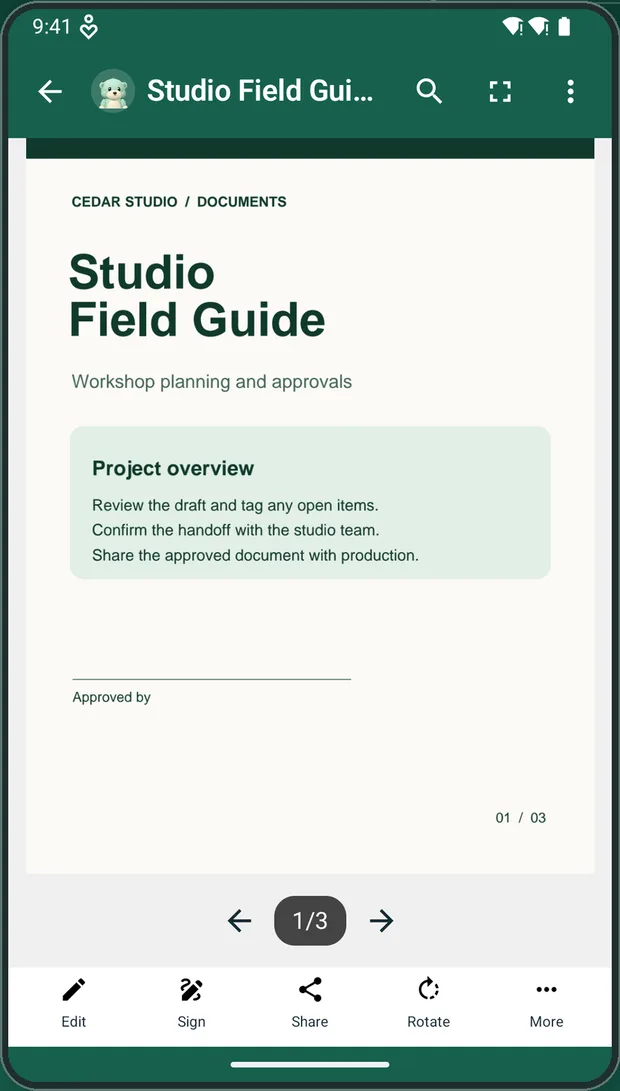
Search a PDF for a keyword, zoom in on details, or jump to a page in a long report.
Add a handwritten signature, ink or an image. Rotate a page and save a separate copy to share or print.
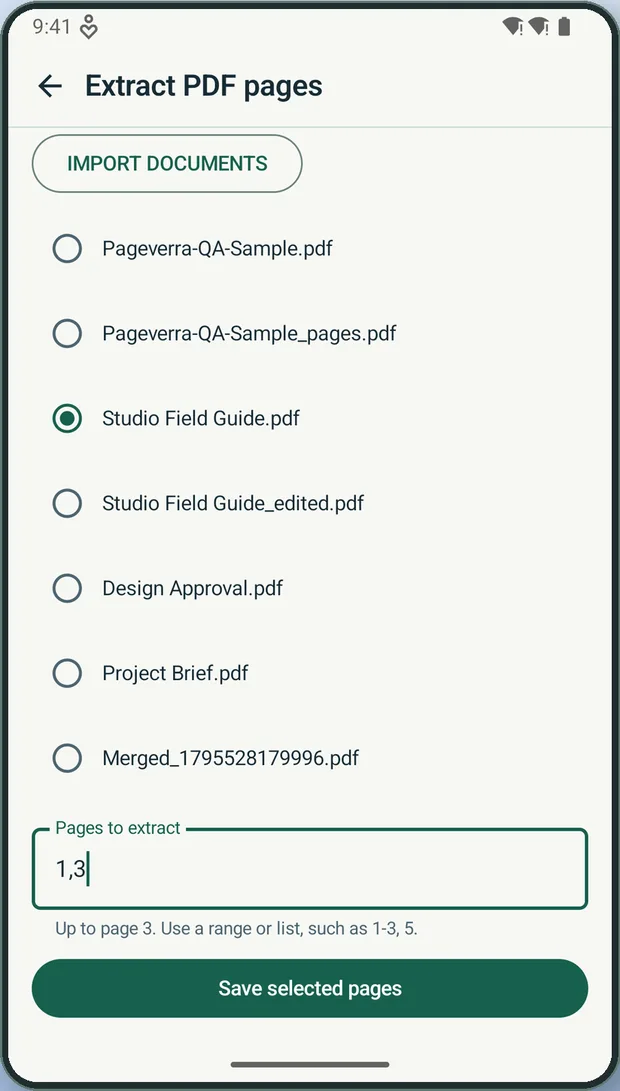
Reorder files before merging them, or select a page range to share only the pages someone needs.
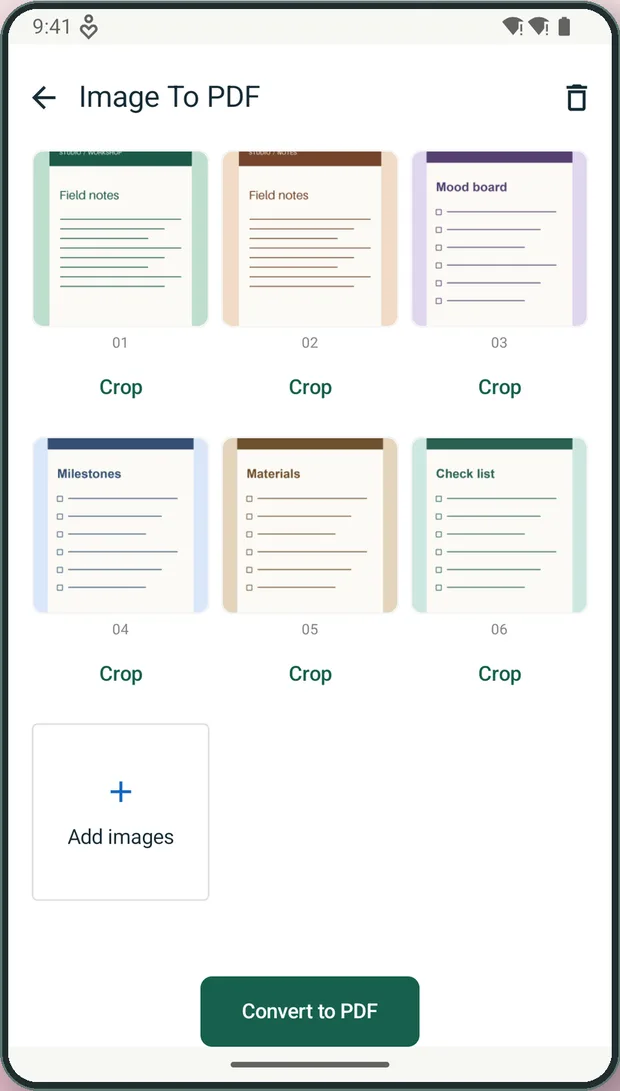
Turn photos of receipts or notes into one PDF, or write in the rich-text editor and export your work.
Review Word documents, Excel spreadsheets and PowerPoint slides from the same library as your PDFs.
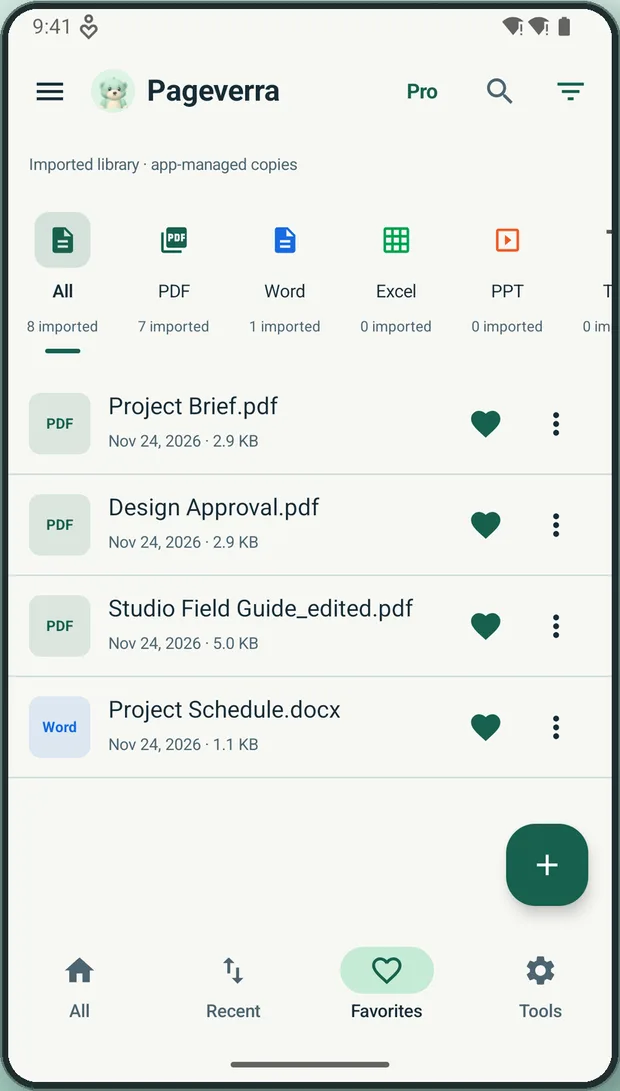
Import from Android or another app. Find files again with search, folders, favorites and recents.
Explore seven workflows captured in Pageverra 1.0.5 for Android.
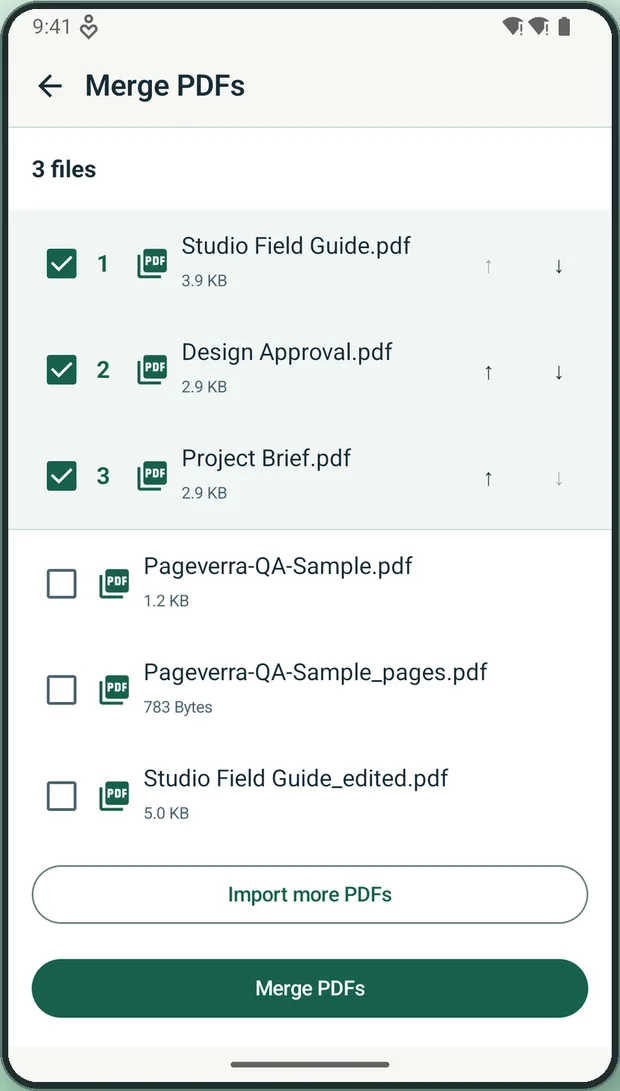
Open your PDF, Word, Excel and PowerPoint files from one library. Sign, merge and export PDFs in the same app.
Read, sign, merge and convert local files offline, with no Pageverra account required.
Save your edited PDF as a separate file and choose where it goes. Keep the source available for future edits.
Pageverra is available on Google Play for compatible phones and tablets running Android 8.0 or later.
Pageverra opens PDFs, Word (DOC and DOCX), Excel (XLS and XLSX), PowerPoint (PPT and PPTX), and common text and image files.
Local reading and everyday PDF tools work on your device without a Pageverra account or an internet connection. Optional online summaries and cloud services need internet access.
Yes. Open a PDF, choose Sign, place your handwritten signature on the page, and save the result as a separate PDF.
Open Extract PDF Pages, select individual pages or enter a range, and save them as a separate PDF. You can share the new file from Android.
Standard reading, editing and conversion run on your device. When the optional online summary is available, the app shows the destination and asks for permission before uploading your selected file.
When a plan is available, Google Play shows its price and billing period before purchase. Manage active subscriptions in your Google Play account.
Pageverra PDF Editor & Viewer

Android 8.0 and up
